Introduction
You’re probably here because you’ve heard about TypingMind—the AI chat interface that promises to solve your multi-model AI needs. Maybe you’re tired of juggling ChatGPT Plus, Claude Pro, and Gemini Advanced across different tabs. Or perhaps you’re frustrated with the monthly subscription bills piling up to $110+ just to access different AI models.
Here’s the reality: TypingMind does offer a solution, but it comes with its own set of headaches. You’ll need to manage multiple API keys, understand provider-specific billing, and navigate a steep learning curve before you can actually start being productive.
What if there was a better way?
SimpleChat eliminates these pain points entirely by providing built-in access to 10+ premium AI models—including GPT-5, Claude 4.1 Opus, Gemini 2.5 Pro, Grok 4, and Perplexity—all in one unified platform. No API keys to manage. No setup complexity. Just instant access to the world’s best AI models for $11/month.
In this comprehensive review, we’ll break down:
- TypingMind’s actual pricing (spoiler: it’s more than the one-time license fee)
- Key features and what they really mean for your workflow
- The hidden costs that add up to $100-150/month in practice
- Why SimpleChat delivers superior value with 90% cost savings
- A side-by-side comparison to help you make the right choice
Whether you’re a solo professional, developer, or managing a team, you’ll discover why 12,500+ professionals have already chosen SimpleChat over complex multi-key setups.
Let’s dive in.
What is TypingMind?
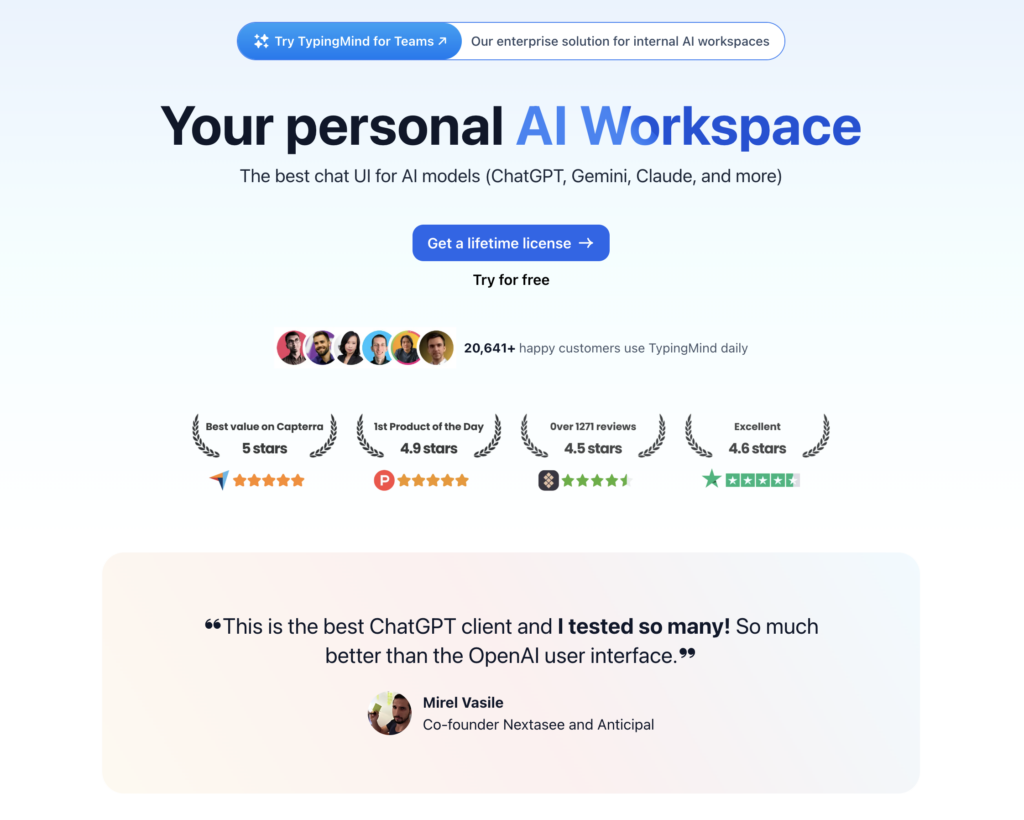
TypingMind is a customizable AI chat interface that connects to multiple AI providers through a bring-your-own-API-key (BYOAPI) model. Unlike traditional AI subscriptions where you pay for direct access to models, TypingMind acts as a unified front-end that you connect to services like OpenAI, Anthropic, Google, and others using your own API credentials.
The core concept is simple: Pay once for the TypingMind interface, then connect your own API keys from different providers to access their models within TypingMind’s organized workspace.
Available as both a web application and desktop app, TypingMind positions itself as a privacy-focused solution for power users who want more control over their AI interactions than standard chat interfaces provide. Since you’re using your own API keys, your data stays between you and the AI providers—TypingMind doesn’t process or store your conversations on their servers.
Who is TypingMind designed for?
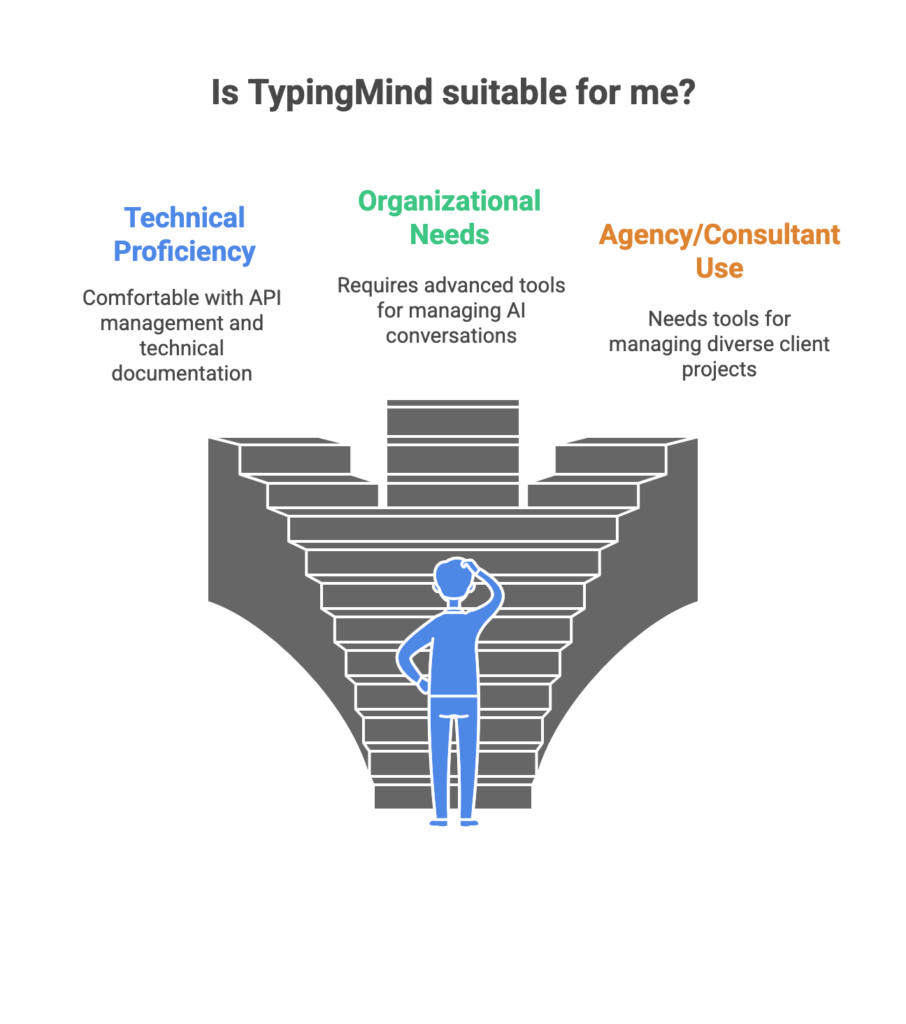
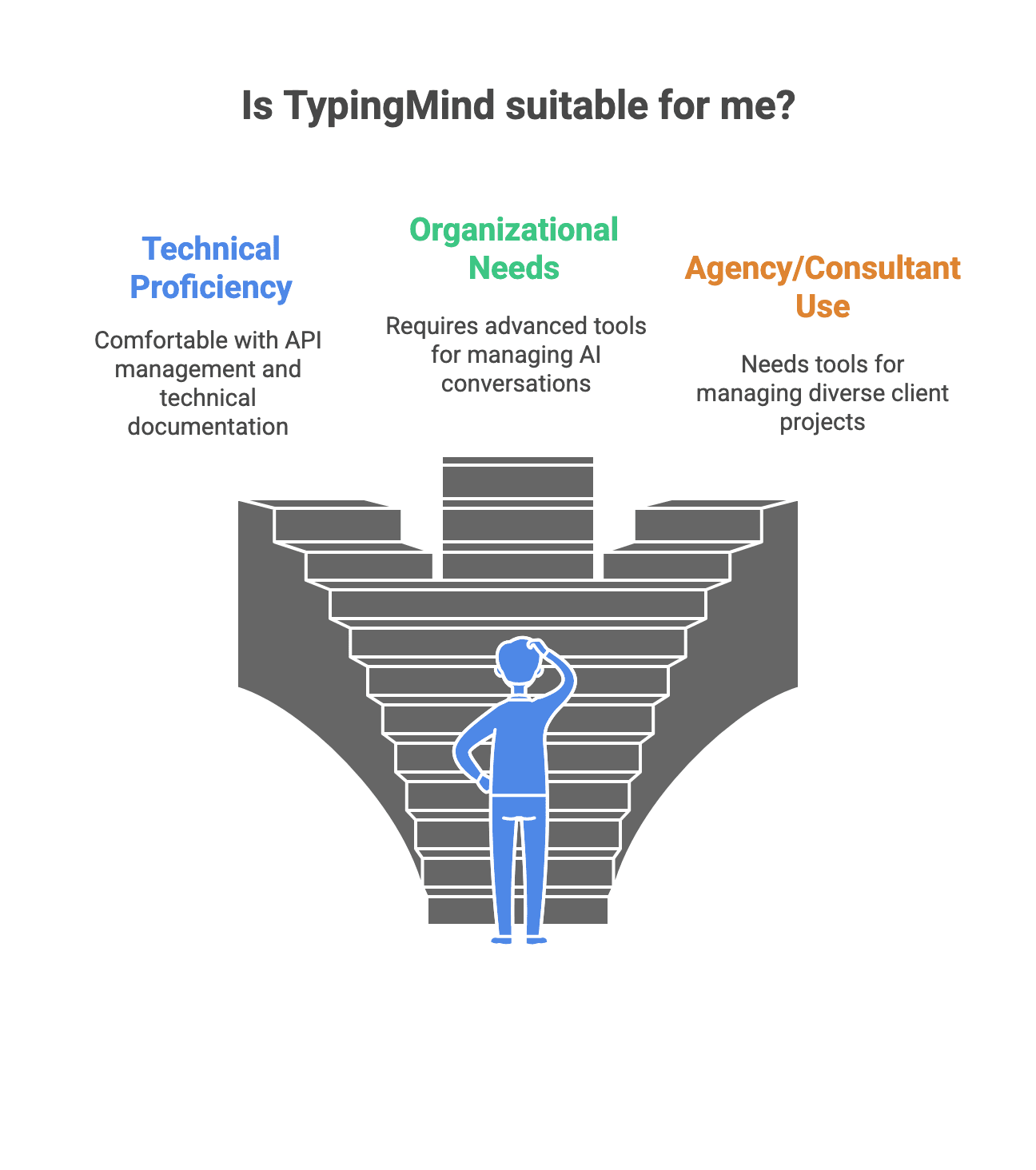
TypingMind primarily targets technical professionals and power users who are comfortable with:
- Managing multiple API accounts and understanding usage-based billing
- Configuring endpoints and authentication credentials
- Navigating technical documentation to set up integrations
- Monitoring their own API spending across different providers
The platform offers advanced organizational features like folders, tags, and search capabilities that appeal to users managing hundreds of AI conversations across different projects. For agencies and consultants working with diverse clients, these organizational tools can be genuinely valuable.
However, this approach comes with a significant tradeoff: complexity. While SimpleChat provides instant access to 10+ premium models including GPT-5, Claude 4.1 Opus, and Gemini 2.5 Pro without any setup, TypingMind requires you to create accounts with each AI provider, obtain API keys, configure billing for each service, and manage multiple invoices every month.
TypingMind Key Features
TypingMind packs a comprehensive set of features designed for users who want granular control over their AI workflows. Let’s break down what you actually get and what it means for your daily usage.
Multi-Provider Support
TypingMind connects to multiple AI providers through your own API keys, including OpenAI (GPT models), Anthropic (Claude), Google (Gemini), and various local or open-source models. You can also integrate MCP (Model Context Protocol) and configure DeepSeek when needed.
The catch? Each provider requires separate account setup, API key generation, and individual billing management. You’re essentially maintaining relationships with 3-4 different companies while using TypingMind as the interface layer.
Advanced Organization and Workflow Tools
Folders and Tags
TypingMind excels at conversation management. You can organize chats into folders, apply tags for quick filtering, and use search functionality to find specific conversations. For professionals juggling dozens of projects, this organizational structure provides genuine value.
Custom Agents and Prompts
Create reusable AI agents with specific instructions, system prompts, and behaviors. Save frequently used prompts for quick access. This feature helps standardize workflows, especially useful for teams that need consistent AI outputs.
Plugins and Automation
TypingMind supports plugins and automation tools that extend functionality beyond basic chat. Connect external services, automate repetitive tasks, and build custom workflows.
Document Processing and Multimodal Support
Upload documents for AI analysis, use web search within conversations, generate images through integrated providers, and leverage voice input/output. These multimodal capabilities make TypingMind versatile for different content types.
Teams Features
For organizations, TypingMind offers Teams plans that include:
- Shared workspaces where team members can collaborate
- Analytics dashboard to track usage patterns
- Role-based access management
- Custom branding options
- Central admin controls
Here’s the problem: Even with Teams features, each member still needs to manage their own API keys and understand provider-specific billing. IT teams can’t centrally provision access—every user must set up their own OpenAI, Anthropic, and Google accounts.
Compare this to SimpleChat, where team access is truly unified. Add a team member, and they instantly have access to all 10+ models including GPT-5, Claude 4.1 Opus, Gemini 2.5 Pro, Grok 4, and Perplexity—no API configuration required.
TypingMind Pricing and Plans
TypingMind’s pricing structure looks simple at first glance—pay once for lifetime access. But the reality is more complicated, and understanding the true cost requires looking beyond the initial license fee.
Individual Licenses
TypingMind offers three one-time payment tiers:
Standard Plan: Starting around $39
- Basic chat interface
- Limited plugin access
- Core organizational features
Extended Plan: Approximately $79
- Web search integration
- DALL-E image generation
- Projects and folders
- More plugin options
Premium Plan: Around $198
- All Extended features
- Priority support
- Advanced automation tools
- Maximum plugin access
TypingMind frequently runs Black Friday promotions with roughly 50% discounts and offers 14-day refund windows.
Critical reality check: This one-time payment only covers the TypingMind interface. You still need to pay separately for API usage from every AI provider you connect.
Teams Plans
For organizations, TypingMind offers seat-based pricing starting with a base plan plus additional user seats at approximately $8/seat/month. Teams get:
- Shared workspace management
- Usage analytics
- SSO options for larger organizations
- Custom branding
- Centralized admin dashboard
The hidden complexity: While you’re paying for team seats, each team member must still configure their own API keys with OpenAI, Anthropic, Google, and other providers.
The Real Total Cost of Ownership
Here’s what TypingMind actually costs when you factor in ongoing API expenses:
TypingMind interface: $39-198 one-time (or ~$8/seat/month for teams)
Plus ongoing API costs:
- OpenAI API usage: $20-50/month for moderate use
- Anthropic Claude API: $20-40/month
- Google Gemini API: $15-30/month
- Additional providers: $10-30/month
Realistic monthly total: $100-150+ per user for active professionals who use multiple models regularly.
Annual cost: $1,200-1,800+ per year
Now compare that to SimpleChat: $11/month with all 10+ premium models included—GPT-5, GPT-5 Mini, Claude 4.1 Opus, Gemini 2.5 Pro, Gemini 2.5 Flash, Grok 4, Grok 3, Sonar, and Sonar Pro. No API keys. No variable costs. No billing surprises.
That’s a 90% cost reduction and $1,188 saved per year compared to managing separate subscriptions or paying TypingMind plus multiple API bills.
The math is clear: TypingMind’s “one-time payment” promise becomes a $100-150 monthly commitment once you account for the API costs you actually need to use the platform productively.
TypingMind Pros and Cons
Let’s examine what TypingMind does well and where it falls short, based on real user experiences and practical usage patterns.
Pros
Maximum Flexibility and Control
Users consistently praise TypingMind’s ability to connect multiple AI providers in one interface. You can switch between OpenAI, Anthropic, Google, and other providers without changing applications. For power users who need specific model configurations or want to test different providers, this flexibility is valuable.
Excellent Organization Features
The folder and tag system genuinely helps professionals managing numerous AI conversations. One user noted that TypingMind became their “central AI hub” because they could organize hundreds of chats across different projects, clients, and use cases—all searchable and filterable.
Privacy-First Architecture
Since you’re using your own API keys, your conversations go directly to AI providers without passing through TypingMind’s servers. For users handling sensitive business data, this architecture provides peace of mind that TypingMind doesn’t store or access their conversations.
One-Time Payment Model
For users who prefer owning software rather than renting it, the lifetime license model appeals. Pay once, use forever—at least for the interface portion.
Cons
Complex API Key Management
Multiple users report that setting up and managing API keys creates significant friction, especially for non-technical team members. You need to create accounts with OpenAI, Anthropic, Google, and others, generate API keys, configure billing for each provider, and troubleshoot connection issues when something breaks.
Confusing Cost Structure
The biggest complaint: understanding what you’re actually paying for. Users mention the confusion between the TypingMind license fee and the ongoing API costs from each provider. “I paid for TypingMind, but I’m still getting bills from OpenAI and Anthropic” is a common frustration.
Realistic monthly costs of $100-150+ surprise users who expected the one-time payment to cover everything.
Steep Learning Curve
Technical users acknowledge that TypingMind requires significant setup time. Configuring plugins, understanding MCP integration, and optimizing workflows isn’t intuitive. One user estimated spending “several hours just getting everything configured the way I wanted.”
Variable and Unpredictable Expenses
API usage billing varies based on your activity. Heavy usage months can result in unexpectedly high bills from multiple providers. There’s no predictable monthly cost—making budgeting difficult for both individuals and teams.
Team Onboarding Friction
Even with Teams plans, each member must set up their own API keys. IT teams can’t provision access centrally, and non-technical team members often need help understanding provider billing and usage limits.
The Bottom Line
TypingMind delivers powerful features for technical users willing to invest time in configuration and comfortable managing multiple provider relationships. But for most professionals, this complexity isn’t worth it when SimpleChat provides instant access to more models, predictable pricing, and zero setup requirements.
SimpleChat: The Best TypingMind Alternative for 10+ AI Models
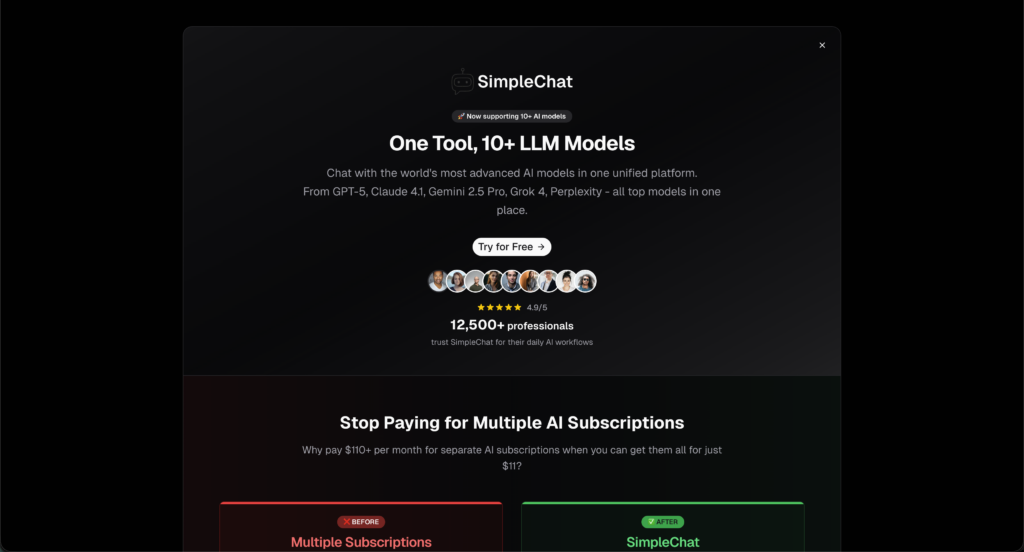
Here’s the problem with TypingMind: you’re paying for an interface, then managing multiple API accounts, tracking separate bills, and hoping nothing breaks. For most professionals, that’s complexity you don’t need.
SimpleChat takes a different approach—give you everything built-in, make it simple, and charge one predictable price.
Why SimpleChat is the Superior Choice
You Get 10+ Premium Models, Ready to Use
Log in and you immediately have access to:
- OpenAI: GPT-5, GPT-5 Mini
- Anthropic: Claude 4.1 Opus
- Google: Gemini 2.5 Pro, Gemini 2.5 Flash
- xAI: Grok 4, Grok 3
- Perplexity: Sonar, Sonar Pro
No API keys to generate. No provider accounts to create. No billing confusion. Just instant access to the world’s best AI models.
Switch Models in Seconds
Click a dropdown, select a different model, and continue your conversation. Want to see how GPT-5 and Claude 4.1 Opus handle the same question? Switch and compare instantly. Need Gemini’s capabilities for one task and Grok’s for another? It’s all there, ready when you need it.
One Price, Everything Included
$11/month gets you full access to all models. No surprise API bills. No usage calculations. No wondering if you’ll get charged extra this month. What you see is what you pay.
What You Can Actually Do with SimpleChat
For Content Creators: Draft with GPT-5, refine with Claude 4.1, and fact-check with Perplexity—all without leaving your workspace or switching between ChatGPT Plus, Claude Pro, and other subscriptions.
For Developers: Test code across multiple models to find the best solution. Compare GPT-5’s suggestions against Claude’s logic or Gemini’s approach, then choose what works best for your project.
For Research & Analysis: Access Perplexity’s research-focused models alongside general-purpose models like GPT-5 and Claude. Upload documents and analyze them with any model you choose.
For Teams: Add a team member and they’re ready to work in minutes. No IT setup. No API training. No explaining provider billing. Everyone gets immediate access to every model through one unified platform.
Over 12,500 professionals already use SimpleChat daily because it eliminates the friction that makes tools like TypingMind exhausting to maintain.
The Cost Difference is Dramatic
SimpleChat: $11/month, all-inclusive
vs. Buying Access Separately:
- ChatGPT Plus: $20/month
- Claude Pro: $20/month
- Gemini Advanced: $20/month
- Other premium access: $50+/month
- Total: $110+/month
You save $99/month—that’s $1,188 per year
vs. TypingMind’s Real Cost:
- TypingMind interface: ~$40-200 one-time
- OpenAI API bills: $20-50/month
- Anthropic API bills: $20-40/month
- Google API bills: $15-30/month
- Realistic total: $100-150+/month
With SimpleChat, you get more models, zero complexity, and save over $1,000 annually compared to either approach.
Ready to simplify your AI workflow?
TypingMind vs SimpleChat: Detailed Comparison
Here’s how the two platforms stack up across the factors that actually matter for your daily workflow:
| Feature | TypingMind | SimpleChat |
|---|---|---|
| Models Access | Multiple providers via your own API keys | 10+ premium models built-in (GPT-5, Claude 4.1, Gemini 2.5, Grok 4, Perplexity) |
| Setup Required | Create provider accounts, generate API keys, configure billing | Zero—sign up and start using |
| Monthly Cost | $100-150+ (interface + all API fees) | $11/month all-inclusive |
| API Keys Needed | Yes—manage multiple keys | No—everything built-in |
| Billing Complexity | Multiple invoices from different providers | Single predictable invoice |
| Model Switching | Reconfigure endpoints or keys | Instant dropdown selection |
| Team Onboarding | Each member sets up own API keys | Add user, they’re ready immediately |
| Best For | Technical users wanting maximum customization | Professionals needing simple multi-model access |
| Key Advantage | Deep control over configurations | Simplicity + cost savings + zero setup |
| Key Limitation | Setup complexity + variable costs | No self-hosting option |
Which Should You Choose?
Choose TypingMind if you:
- Are highly technical and enjoy system configuration
- Need specific custom integrations or workflows
- Prefer one-time software purchases
- Want maximum control over every aspect of your AI setup
Choose SimpleChat if you:
- Want instant access to 10+ top AI models
- Prefer predictable monthly costs over variable API billing
- Value your time more than configuration options
- Need to switch between models frequently
- Are managing a team that needs unified access
- Want to save $1,188/year compared to separate subscriptions
The reality: Unless you’re a developer building custom AI workflows or an organization with specific compliance requirements, SimpleChat provides better value through simplicity, comprehensive model access, and significant cost savings.
Real User Feedback
TypingMind Users Report:
Power users appreciate the organizational features. One professional noted that TypingMind became their central hub because folders and tags helped manage hundreds of conversations across projects. The flexibility to connect multiple providers appeals to technical users who want control.
However, the consistent complaint centers on complexity. Non-technical team members struggle with API key setup and understanding provider billing. Several users mentioned spending hours on initial configuration and ongoing troubleshooting when connections break.
SimpleChat Users Experience:
Professionals consistently highlight three benefits: replacing multiple subscriptions with one simple tool, easy model comparison within the same interface, and predictable pricing. The 12,500+ professionals using SimpleChat daily emphasize how quickly they can switch between GPT-5, Claude, Gemini, and Grok without managing separate accounts.
Teams particularly value unified access—add a member and they immediately have access to all models without IT involvement or training on API management.
Frequently Asked Questions
Is TypingMind free?
No. TypingMind requires a one-time license purchase ($39-198 depending on the plan), plus you pay separately for API usage from each provider you connect. Realistic monthly costs total $100-150+ when including all API fees.
How much does TypingMind actually cost per month?
While the interface is a one-time payment, you’ll spend $20-50/month on OpenAI API, $20-40/month on Anthropic, $15-30/month on Google, and more for other providers. Total realistic monthly cost: $100-150+ for active users.
Does TypingMind offer discount codes?
TypingMind typically runs Black Friday promotions with approximately 50% off lifetime licenses and offers 14-day refund periods. Check their website during major shopping holidays.
What’s the best TypingMind alternative in 2025?
SimpleChat is the better alternative, providing built-in access to 10+ premium AI models including GPT-5, Claude 4.1 Opus, Gemini 2.5 Pro, Grok 4, and Perplexity for $11/month—no API keys required.
Can I use multiple AI models with SimpleChat?
Yes. SimpleChat gives you instant access to GPT-5, Claude, Gemini, Grok, Perplexity, and more. Switch between models with one click, no configuration needed.
How much can I save with SimpleChat?
Compared to buying ChatGPT Plus, Claude Pro, Gemini Advanced, and other subscriptions separately ($110+/month), SimpleChat saves you approximately $1,188 per year. Compared to TypingMind’s total cost with API fees ($100-150+/month), you save an additional $1,068-1,668 annually.
Does SimpleChat require API key setup?
No. Unlike TypingMind, SimpleChat includes all models built-in with zero API configuration, key management, or provider account setup required.
What’s the difference between TypingMind and “typing with your mind”?
TypingMind is an AI chat interface software tool, not brain-computer interface technology. The name refers to a typing-focused UI for AI conversations, not literal mind-controlled typing.
Conclusion
TypingMind serves a specific niche: technical power users who want maximum customization and don’t mind managing multiple API accounts. For that audience, the flexibility justifies the complexity.
But here’s what the pricing breakdown reveals—TypingMind costs $100-150+ monthly once you factor in the API fees you actually need to use it. That’s 10-14x more expensive than SimpleChat, which provides access to more models with zero setup hassle.
For most professionals, SimpleChat is simply the better choice:
- 10+ premium models including GPT-5, Claude 4.1 Opus, Gemini 2.5 Pro, Grok 4, and Perplexity
- $11/month predictable pricing—no surprise API bills
- 90% cost savings compared to separate subscriptions ($1,188/year saved)
- Zero API keys, zero provider accounts, zero configuration
- Instant model switching without context loss
- Trusted by 12,500+ professionals for daily AI workflows
Stop paying $110+/month for multiple subscriptions or managing complex API setups. Get instant access to all the world’s best AI models in one simple platform.